
Innovation and Technology
Phishing Attacks Are Evolving: Here’s How to Resist Them

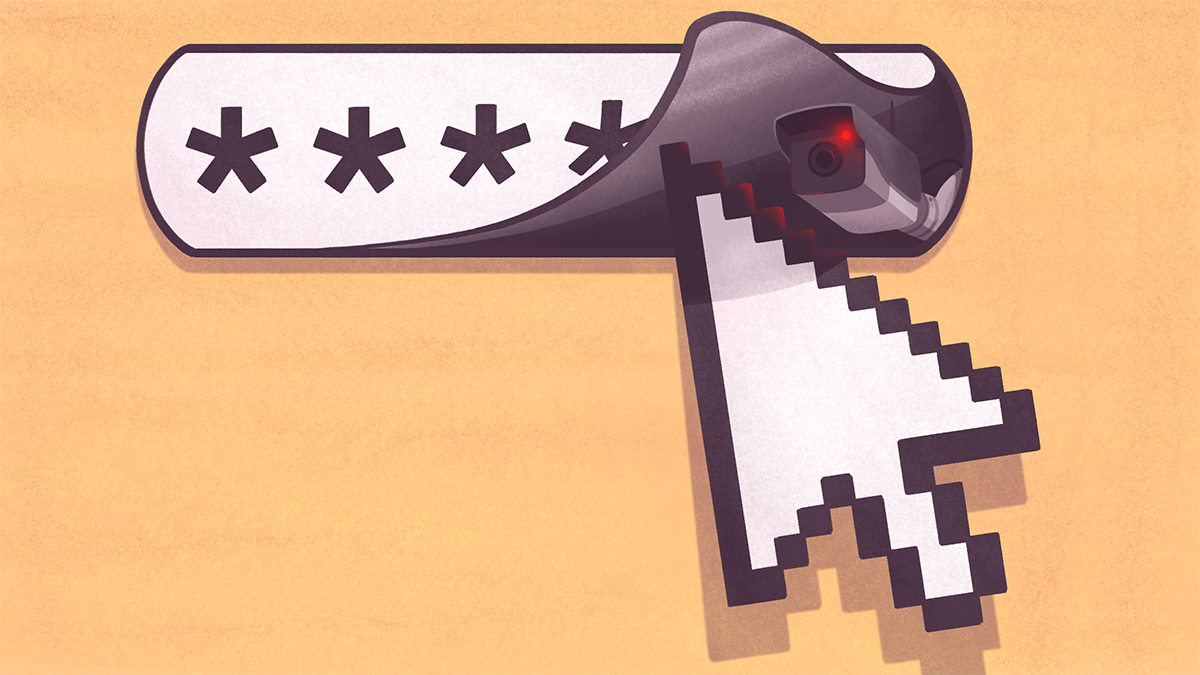
Phishing attacks have long been one of the most common forms of cybercrime—but in recent years, they’ve become significantly more sophisticated. No longer limited to generic emails with broken English and suspicious links, today’s phishing attacks can be hyper-personalized, multi-platform, and even AI-generated. As cybercriminals evolve, so must our defenses.
What Is Phishing?
Phishing is a type of cyberattack where attackers impersonate trusted entities to trick individuals into revealing sensitive information like passwords, credit card numbers, or company data. The goal is often to gain unauthorized access to systems or commit financial fraud.
Common Types of Phishing
Email Phishing
The most traditional method, using deceptive emails to lure users into clicking malicious links or downloading malware.
Spear Phishing
Highly targeted attacks tailored to a specific individual or organization. Often uses personal data to appear more legitimate.
Whaling
Phishing attacks aimed at high-level executives or decision-makers, usually involving fraudulent business communications.
Smishing and Vishing
Attacks via SMS (smishing) or voice calls (vishing), exploiting mobile and verbal communication platforms.
Business Email Compromise (BEC)
Fraudsters pose as company executives or vendors to request wire transfers or sensitive data from employees.
How Phishing Attacks Are Evolving
1. AI-Powered Personalization
Cybercriminals now use AI tools to create polished, persuasive emails that mimic natural language. These tools can scrape social media and public profiles to tailor messages that feel authentic and urgent.
2. Deepfake Technology
Attackers can now use AI-generated audio and video to impersonate executives or team members, making phone calls or video messages part of phishing campaigns.
3. Multi-Channel Attacks
Phishing no longer happens through email alone. Scammers use text messages, phone calls, social media, and even collaboration platforms like Slack and Teams to trick targets.
4. Cloud and SaaS Exploits
As businesses move to cloud-based platforms, phishing campaigns often impersonate login portals for tools like Microsoft 365, Google Workspace, or Dropbox to harvest credentials.
5. Phishing-as-a-Service (PhaaS)
Yes, it exists. Some cybercriminals now offer ready-made phishing kits, complete with support and updates—lowering the barrier to entry for wannabe attackers.
How to Recognize a Phishing Attempt
Look for Red Flags
-
Generic greetings (“Dear user”)
-
Urgent or threatening language
-
Unexpected attachments or links
-
Requests for personal or financial information
-
Slightly altered email addresses or domains
Verify the Source
Always confirm requests for sensitive info through an independent channel. If your “CEO” sends a strange email, call them directly to verify.
Inspect Links Before Clicking
Hover over links to preview the URL. If it looks suspicious or doesn’t match the legitimate domain, don’t click.
How to Resist and Prevent Phishing Attacks
1. Educate and Train Employees
Security awareness training should be ongoing, not one-time. Include simulations and refreshers to keep teams alert to new phishing methods.
2. Use Multi-Factor Authentication (MFA)
Even if a password is stolen, MFA adds another layer of security to block unauthorized access.
3. Implement Email Security Tools
Email filters, anti-phishing software, and advanced threat protection can help identify and quarantine suspicious messages.
4. Keep Systems Updated
Regular updates and patches close known vulnerabilities that attackers often exploit in phishing campaigns.
5. Create a Clear Reporting Process
Encourage employees to report phishing attempts immediately. Make it easy for them to escalate suspicious messages to IT or security teams.
6. Limit Access Privileges
Apply the principle of least privilege: give users only the access they need to perform their roles. This limits the damage a compromised account can do.
What to Do If You Fall for a Phishing Attack
Act Fast
Time is critical. Immediately disconnect from the internet, alert your IT team, and report the incident to your organization’s security department.
Change Passwords
Update credentials for any compromised accounts and any other accounts using the same password.
Monitor for Unusual Activity
Keep a close eye on bank accounts, email inboxes, and business systems for any unauthorized actions.
Conduct a Post-Attack Analysis
Review how the attack succeeded and update your training, policies, and tools accordingly.
Conclusion
Phishing attacks are not going away—they’re just getting smarter. To stay protected, individuals and organizations need to be proactive, vigilant, and educated. The good news is that by developing a strong cybersecurity culture and implementing practical safeguards, you can dramatically reduce your risk and better defend against today’s more sophisticated threats.
FAQs
What is the difference between phishing and spear phishing?
Phishing targets a broad audience with generic messages, while spear phishing is highly targeted and personalized to specific individuals or organizations.
How often should organizations conduct phishing awareness training?
Ideally, phishing awareness training should be conducted quarterly, with simulated phishing tests and ongoing education to reinforce best practices.
Is multi-factor authentication enough to stop phishing?
While MFA is a powerful defense, it’s not foolproof. It’s most effective when combined with user awareness, security software, and access controls.
Can phishing happen on social media?
Yes. Attackers can use fake profiles or impersonate trusted contacts to send malicious links or messages on platforms like LinkedIn, Facebook, or Instagram.
What should I do if I accidentally clicked a phishing link?
Disconnect your device from the internet, inform your IT or security team, run a virus scan, and change passwords for affected accounts immediately.




Portable Benefits Could Fix the Gig Economy’s Biggest Problem

Ethical Reasoning Has Become a Core Workplace Skill and Training Programs Are Missing It

Stakeholder Pressure on CEOs Has Reached a Breaking Point

Identity Resilience at Work and Why It Matters More Than Grit

The Revenge of Middle Management and Why Organizations Should Pay Attention

First-Generation Professionals Face a Different Workplace and Nobody Prepares Them for It

Small Business Survival in Underserved Communities Needs More Than Microloans

Aging Populations are Reshaping Labor Markets Faster Than Policy Can Respond

How Emotional Intelligence Can Help You Manage Stress and Build Resilience

Interview with Dr. Kristy K. Taylor, WORxK Global News Magazine Founder

Sarah Herrlinger Talks AirPods Pro Hearing Aid

Unlocking Human Potential: Kim Groshek’s Journey to Transforming Leadership and Stress Resilience

NetWork Your Way to Success: Top Tips for Maximizing Your Professional Network

The Power of Belonging: Why Feeling Accepted Matters in the Workplace

Health-care stocks fall after Warren PBM bill, Brian Thompson shooting

Glenda Benevides: Creating Global Impact Through Music
-
 Resiliency1 year ago
How Emotional Intelligence Can Help You Manage Stress and Build Resilience
-
 Career Advice2 years ago
Interview with Dr. Kristy K. Taylor, WORxK Global News Magazine Founder
-
 Diversity and Inclusion (DEIA)2 years ago
Sarah Herrlinger Talks AirPods Pro Hearing Aid
-
 Changemaker Interviews2 years ago
Unlocking Human Potential: Kim Groshek’s Journey to Transforming Leadership and Stress Resilience
-
 Career Advice2 years ago
NetWork Your Way to Success: Top Tips for Maximizing Your Professional Network
-
 Diversity and Inclusion (DEIA)2 years ago
The Power of Belonging: Why Feeling Accepted Matters in the Workplace
-
 Global Trends and Politics2 years ago
Health-care stocks fall after Warren PBM bill, Brian Thompson shooting
-
 Changemaker Interviews2 years ago
Glenda Benevides: Creating Global Impact Through Music