
Innovation and Technology
Windows Is Becoming An Operating System For AI Agents

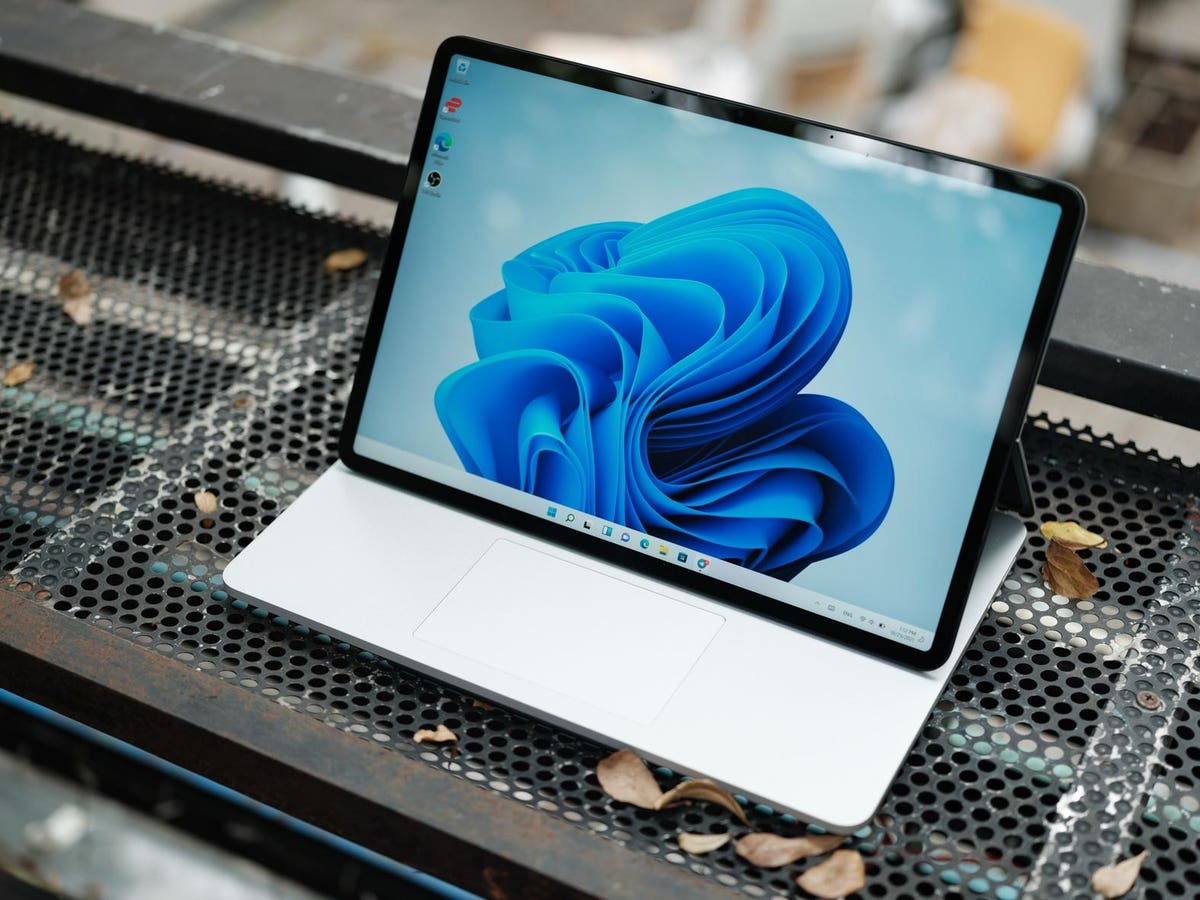
Microsoft is revolutionizing the way we interact with Windows by introducing AI agents as first-class participants in the operating system. This shift enables software to act on behalf of users, making decisions and executing actions autonomously. To facilitate this transformation, Windows is laying the groundwork for a future where AI agents are governed, identifiable, and securely contained.
Introducing a New Era of AI-Powered Operating Systems
The traditional model of interacting with Windows, where users install apps and click around with a mouse, still exists. However, it now coexists with a new paradigm: software that acts for the user rather than waiting for instructions. AI agents can interpret tasks, make decisions, and execute actions at a level that resembles human behavior, such as retrieving files, changing settings, and manipulating applications.
This shift forces a rethink of what an operating system must do. If agents are to perform tasks that mimic human behavior, Windows must recognize them, govern them, and contain them. At Ignite 2025, Microsoft previewed updates to Windows that showcase the early contours of this transformation. These updates include native support for the Model Context Protocol (MCP), which provides a standardized way for agents to interact with tools and data sources.
Standardizing Agent Interactions with Model Context Protocol
MCP gives agents a standardized way to interact with tools and data sources, which is critical in today’s landscape where AI capabilities are emerging in unexpected places. Windows takes MCP a step further by introducing an on-device registry of “agent connectors” – MCP servers that represent specific capabilities like file access or system configuration. All calls to these connectors flow through an OS-level proxy that handles identity, permissions, consent, and audit logging.
This infrastructure is essential for ensuring security, consent, and control, and it can’t be delivered easily by middleware or apps alone. By embedding these controls at the platform layer, Microsoft is providing a stable and secure foundation for AI agents to operate.
Clear Capabilities and Guardrails for AI Agents
The first connectors available in preview focus on two core areas: File Explorer and System Settings. They let agents retrieve and organize files or modify settings like display mode or accessibility features. These capabilities are backed by an explicit consent model, where the system prompts the user with a clear explanation and options: allow once, always allow, or never allow.
Transparency is essential in this model, as a system prompt telling the user exactly what the agent wants and why it wants it is far more useful than a generic permission request. The model encourages cautious experimentation rather than blanket approvals that can’t be undone.
Isolating AI Agents with Agent Workspace
Another significant change is the introduction of Agent Workspace – a separate, isolated desktop environment where agents operate under their own identity. Instead of co-mingling their actions with the user’s, agents run alongside the user in a contained session. The OS can attribute actions, monitor access, and limit what the agent can reach.
This design recognizes the emerging reality that agents behave less like traditional software and more like autonomous actors. They can execute tasks faster than humans and sometimes more aggressively than expected. Containment matters, and the OS must provide a controlled boundary around autonomous software before it becomes deeply embedded in everyday workflows.
Security Expectations for Autonomous Software
Once a system allows autonomous software to act on behalf of a user, the bar for security rises dramatically. Connectors must be signed, packaged, and associated with explicit capability declarations. The OS knows who created them, what they can do, and whether they’ve been tampered with. Agents also run through a standardized proxy that enforces authentication, authorization, and auditing.
The need for visibility is obvious. If an agent deletes the wrong calendar entry, modifies a configuration incorrectly, or escalates privileges in an unexpected way, the system must be able to determine exactly which agent did it and why. This level of observability becomes non-negotiable when software can act independently.
Local AI as a Native Capability
Another key component is the expansion of on-device AI processing. Windows is introducing APIs for image generation, video enhancement, content search, and other model-driven capabilities – including support for running more advanced models directly on the device. Local inference reduces latency, keeps sensitive data off the network, and gives agents faster access to capabilities they rely on.
This integration with OS-level connectors and permissions gives it a different flavor. Agents can call local models with the same governed pathways they use for system resources, which keeps the behavior predictable and auditable.
A Platform in Transition
None of this suggests Windows is suddenly becoming an agent-first operating system. Human users still sit at the center of the experience. However, the groundwork for a dual model – humans operating in one space, agents operating in another – has begun.
The operating system is emerging as the place where identity, permissioning, containment, and logging converge. As more applications, browsers, and services ship their own AI assistants or embedded agents, Windows is positioning itself as the arbiter of what those agents can do safely. This is the early stage of a long transition, and the value of AI agents will take time to reveal itself at both the enterprise and consumer levels.




Portable Benefits Could Fix the Gig Economy’s Biggest Problem

Ethical Reasoning Has Become a Core Workplace Skill and Training Programs Are Missing It

Stakeholder Pressure on CEOs Has Reached a Breaking Point

Identity Resilience at Work and Why It Matters More Than Grit

The Revenge of Middle Management and Why Organizations Should Pay Attention

First-Generation Professionals Face a Different Workplace and Nobody Prepares Them for It

Small Business Survival in Underserved Communities Needs More Than Microloans

Aging Populations are Reshaping Labor Markets Faster Than Policy Can Respond

How Emotional Intelligence Can Help You Manage Stress and Build Resilience

Interview with Dr. Kristy K. Taylor, WORxK Global News Magazine Founder

Sarah Herrlinger Talks AirPods Pro Hearing Aid

Unlocking Human Potential: Kim Groshek’s Journey to Transforming Leadership and Stress Resilience

NetWork Your Way to Success: Top Tips for Maximizing Your Professional Network

The Power of Belonging: Why Feeling Accepted Matters in the Workplace

Health-care stocks fall after Warren PBM bill, Brian Thompson shooting

Glenda Benevides: Creating Global Impact Through Music
-
 Resiliency1 year ago
How Emotional Intelligence Can Help You Manage Stress and Build Resilience
-
 Career Advice2 years ago
Interview with Dr. Kristy K. Taylor, WORxK Global News Magazine Founder
-
 Diversity and Inclusion (DEIA)2 years ago
Sarah Herrlinger Talks AirPods Pro Hearing Aid
-
 Changemaker Interviews2 years ago
Unlocking Human Potential: Kim Groshek’s Journey to Transforming Leadership and Stress Resilience
-
 Career Advice2 years ago
NetWork Your Way to Success: Top Tips for Maximizing Your Professional Network
-
 Diversity and Inclusion (DEIA)2 years ago
The Power of Belonging: Why Feeling Accepted Matters in the Workplace
-
 Global Trends and Politics2 years ago
Health-care stocks fall after Warren PBM bill, Brian Thompson shooting
-
 Changemaker Interviews2 years ago
Glenda Benevides: Creating Global Impact Through Music